
 Add to Preferred Sources
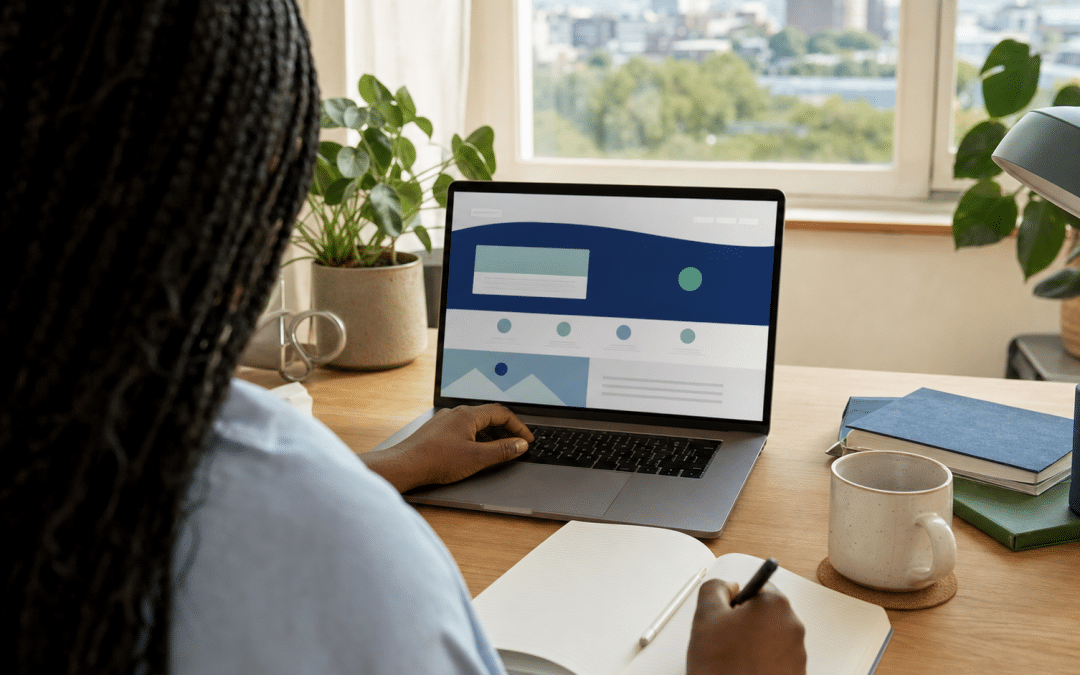
The canva website builder turns a Canva design into a hosted, responsive page or small multi-page site that you publish from the same editor, and it is best suited to portfolios, event pages, menus and simple brochure sites. It is not a replacement for a full platform when you need a blog, a store or tight search control. It is one of the lighter options among the website builders available to South African businesses.
This Canva website builder review for South African owners covers what the tool does, what a custom domain costs in rand, where the limits bite, and a test you can run on a free site before paying anything.
Canva's own help pages could not be fetched when this was written, so the plan limits come from Canva's help documentation as shown in search results, and the verdicts from two 2026 reviews read in full for this post. The reviews disagree on some points, so the test near the end is a better guide than any single opinion.
Quick Answer
The Canva website builder is a good, cheap way for a South African business to publish a one-page or few-page brochure site if you already design in Canva. Publishing is free, but a custom domain needs a paid plan, and reviewers describe the blogging, selling and search tools as basic. Choose it for a simple site you may rebuild later, not for a site that has to rank, sell or grow.
Jump to
Not sure a Canva site will do the job?
Send us what the site must do and we will tell you whether a Canva page is enough or you will outgrow it within the year.
Get a free fit checkWhat does the Canva website builder actually do?
Canva's site publisher is a drag-and-drop feature inside Canva: you design a page with the same tools you use for social posts, then click Publish to put it on a Canva-hosted address. There is no separate hosting account to set up and no plugin to update, which is the whole appeal for a small business owner who already lives in Canva.
Based on Canva's help documentation as shown in search results, Free, Pro, Teams and Education users can publish a site, but a custom domain and unlimited sites are limited to paid plans. A multi-page site supports up to 45 pages. Each page can hold up to 20 sections on a paid plan; a Free user can design 20 sections but can publish only 10 per page. A free site sits on a my.canva.site address, as iTechGuides' 2026 review notes.
Two reviews disagree about how far that goes. iTechGuides rates it good enough for a portfolio, landing page, event page, menu or simple brochure site. A January 2026 SiteBuilderReport review judged it suitable only for single-page brochures, personal sites or bio-link pages. Both are fair readings of the same product. The difference is how much your site has to do.
What does it cost a South African business in rand?
Publishing with Canva costs nothing on a free address, but a custom domain needs a paid plan, and SiteBuilderReport's January 2026 review put the entry paid plan, Canva Pro, at $119.99 a year. At the SA Digital Cost Index (SADCI) assumption of R16.42 to the dollar (August 2026, a calculation rate and not today's rate), that is about R1,970 a year.
The arithmetic
$119.99 a year × R16.42 per dollar = R1,970.18, so about R1,970 a year. The same review lists Carrd, a one-page builder, at $19 a year: $19 × R16.42 = R311.98, so about R312 a year.
Canva has no fixed rand price for South Africa. According to EverTry's pricing guide, you pay the dollar price converted at checkout, with VAT possibly added, so your actual charge moves with the exchange rate. Treat R1,970 as a planning figure and read the line on your own checkout screen.
The paid plan also buys the rest of Canva, which is good value if your team already designs there. If the site is the only reason for the subscription, the comparison is with a builder that costs a fraction of that, plus a domain bought separately. Our domain registration costs in South Africa guide covers the .co.za side, and website builder hidden costs covers what builders add later.
A South African Cost Check
A .co.za address is registered separately from Canva, at a registrar, and Canva bills in dollars with VAT possibly added, so the rand you pay moves with the exchange rate. Budget for the registrar renewal and the Canva plan as two separate yearly line items.
Where do the limits bite?
Canva's limits show in forms, blogging, selling, tracking and mobile editing, where it is basic or relies on another service. The two reviews I read agree that blogging, selling and search are basic, and disagree on forms and tracking. Those are the Canva website builder limits that matter most for a business site.
Enquiry forms. SiteBuilderReport's January 2026 review says there are no contact forms. iTechGuides says Canva Forms were announced in 2026, with availability that "may depend on account type, country, rollout status, and plan".
Form tools such as Google Forms, Typeform and Jotform document embedding by pasting the form link into Canva's Embed element. Test that route on your account, then use our guide to website form conversion to decide which fields to ask for.
Blogging. iTechGuides says Canva "lacks the natural content workflow of a mature blogging CMS with archives, categories, authors, comments, and editorial controls". If articles are how you plan to win search traffic, that is a platform-level gap, not a design gap.
Selling. iTechGuides says Canva "can display products or link to an external checkout, but it is not a native store system" with catalogue, inventory, payments, tax, shipping, discounts and order management. For South African sellers that means a link out to a PayFast, Yoco or Peach Payments checkout hosted elsewhere, with no stock or order handling in Canva.
Tracking. iTechGuides describes the Pro-plan "Website Insights" as basic built-in reporting, not a substitute for Google Analytics. Reviews disagree on whether you can add a tracking code, so confirm that in the test below.
Mobile. SiteBuilderReport reports that "Canva doesn't have a mobile editor you can use to fix the mobile site", and that desktop edits can break the mobile layout. With DataReportal putting South Africa at 51.7 million internet users, 79.6% of the population, the audience is large and mixed in devices, so use our mobile-first website guide to check the layout on a real handset before launch.
Need forms, bookings or a shop on the same site?
Tell us the three things the site must do and we will map them to a platform that handles them without add-ons.
Request a timeline and fit assessmentDomain, search and leaving: what to check first
Connecting your own domain and controlling search appearance are the two things that decide whether a Canva site looks like a business or a hobby, and both are possible on a paid plan within limits. Per Canva's help documentation, you point your existing domain at Canva by updating its DNS records, and your registrar either handles it automatically or you edit the records yourself. If DNS is new to you, website DNS basics for business owners explains the terms.
On search, Canva's help documentation describes a per-page title, page description and URL path, plus an automatically generated sitemap at your-domain/sitemap.xml. iTechGuides calls this "basic on-page SEO controls". That is enough to be indexed and to show a sensible snippet. It is less than a dedicated platform gives you, which our post on website builder SEO limits compares across builders.
Leaving is the cost people forget. iTechGuides warns that "a design created in Canva should not be assumed to export cleanly to another CMS or host", so plan on rebuilding the pages if you move, and keep your text and images in your own folders from day one.
Which route fits which kind of site?
Canva fits one-job brochure, portfolio, menu and event sites; choose a full builder or WordPress when the site must publish articles, sell with stock, or rank. Find the row below that matches your most demanding requirement, since that row, not the easiest one, sets your platform.
| What the site must do | Canva site | Full builder or WordPress | Best for |
|---|---|---|---|
| Show who you are and how to call or WhatsApp | Fits | More than needed | Sole traders, event pages, menus |
| Look on-brand with the designs you already make | Strongest fit | Fits, more setup | Teams already in Canva |
| Capture enquiries in a form you control | Test your account or embed a form tool | Form tools or plugins available | Any lead-driven site |
| Publish articles to win search traffic | Basic per reviews | Built for a content workflow | Content-led businesses |
| Sell products with stock and orders | Link out to an external checkout | Shopify or a store plugin | Any online shop |
| Keep the option to move later | Do not assume export; plan a rebuild | Check export options first | Sites you intend to grow |
On a close call, a lighter alternative is often the better one: Carrd versus Wix and Google Sites versus Wix show where the one-page options sit, and SiteBuilderReport's January 2026 review lists Carrd at $19 a year as the cheaper one-page comparison. If you are weighing a Canva website builder vs Wix decision, our Wix review for South Africa sets out what Wix adds and where it locks you in. The free website builders for South Africa post compares the zero-rand starting points.
What should you test before you commit?
A pre-commit test is a short set of checks you run on a free Canva site to confirm the features you need exist on your account, since reviews contradict each other and plans change. As a working rule of thumb, it takes well under an hour, and it costs nothing because publishing on the free address is free.
- Publish a throwaway page on the free address and open it on a mid-range Android phone, not just your laptop.
- Look for a form element in your editor. If there is none, embed a free form tool and submit a test enquiry to confirm it reaches your inbox.
- Open your-address/sitemap.xml and check that every page is listed.
- View the page source in your browser and search for an H1 heading, to see how the page structure is output.
- Look for a place to add a tracking code in the settings. If it is absent, you are relying on the built-in reporting.
- Write down the checkout price in rand for the paid plan, with VAT, and add your domain cost.
A "no" on two or more of these means the site will cost you more in workarounds than a proper builder costs in subscription. Run the test before you design the full site, not after. Our post on how to create a website in South Africa walks through the steps around it, and the Canva brand kit setup post covers keeping the design consistent if you stay with Canva.
Test Before You Pay
Before paying for a Canva plan, publish a free throwaway page and check six things: the mobile layout on a real phone, a form, the sitemap, the page heading in the source, a tracking-code field, and the rand checkout price with VAT. Two or more failures mean a proper site builder will cost you less than the workarounds.
Want us to run this test for you?
Send us the draft site and we will audit it against the checks above, then tell you what to fix before it goes live.
Request a free auditWhy South African Businesses Choose Growth Pulse Media
South African businesses choose Growth Pulse Media for platform advice from a registered Shopify Partner that will still point a simple brochure to Canva. Dirk van Greuning built and scaled a large South African ecommerce business before founding the agency, all work is executed in-house, and the client load is limited so a senior person looks at your site.
When a site has to rank, capture leads or sell, our web design service builds on platforms you own and can move. The website builder versus web designer cost comparison shows how the two routes compare over time.
Who This Is Not For
This post is not for anyone who needs a store or bookings, expects search to be the main lead source, or wants exact current plan terms.
You need a store or bookings
A site that must hold stock, take payment and manage orders needs a store platform. See Shopify in South Africa instead of stretching a design tool.
You expect search traffic to be your main lead source
A site built to rank needs a content workflow, structured page control and room to grow. Basic title and description fields will not carry that.
You want the exact current plan terms
Canva changes plan limits and features often, and its help pages could not be fetched for this post. Confirm limits on Canva's pricing and help pages before paying.
Frequently Asked Questions
Is Canva good enough for a small business website?
Yes for a simple brochure, portfolio, menu or event page, especially if you already design in Canva. It is a weaker fit if you need a blog, an online shop or detailed search control. A canva website builder for small business use works best when the site has one job and a short life before a rebuild.
Can I use a .co.za domain on a Canva website?
Yes on a paid plan. Canva's help documentation says custom domains are limited to paid plans, and you connect a domain you already own by updating its DNS records. Buy the .co.za from a registrar first, then connect it.
How much does a Canva website cost in rand?
Publishing on a free Canva address costs nothing. A custom domain needs a paid Canva plan such as Canva Pro, which a January 2026 review priced at $119.99 a year, about R1,970 at the SADCI assumption of R16.42 per dollar. Canva has no fixed rand price, so your checkout figure will differ.
Does a Canva website have a blog or online store?
Not natively, according to iTechGuides' 2026 review. Canva can show products or link to an external checkout but is not a store system, and it lacks the workflow of a blogging platform. Use a dedicated platform if either is central.
Can I move my Canva website to WordPress or Wix later?
Plan on a rebuild. iTechGuides warns that a Canva design should not be assumed to export cleanly to another platform. Keep your copy and images in your own files so the move means re-laying pages, not rewriting them.
Get an honest answer on your site, not a sales pitch
We are a registered Shopify Partner, and all work is executed in-house. No obligation — we'll get back to you within 24 hours.
Get your free website check