
 Add to Preferred Sources
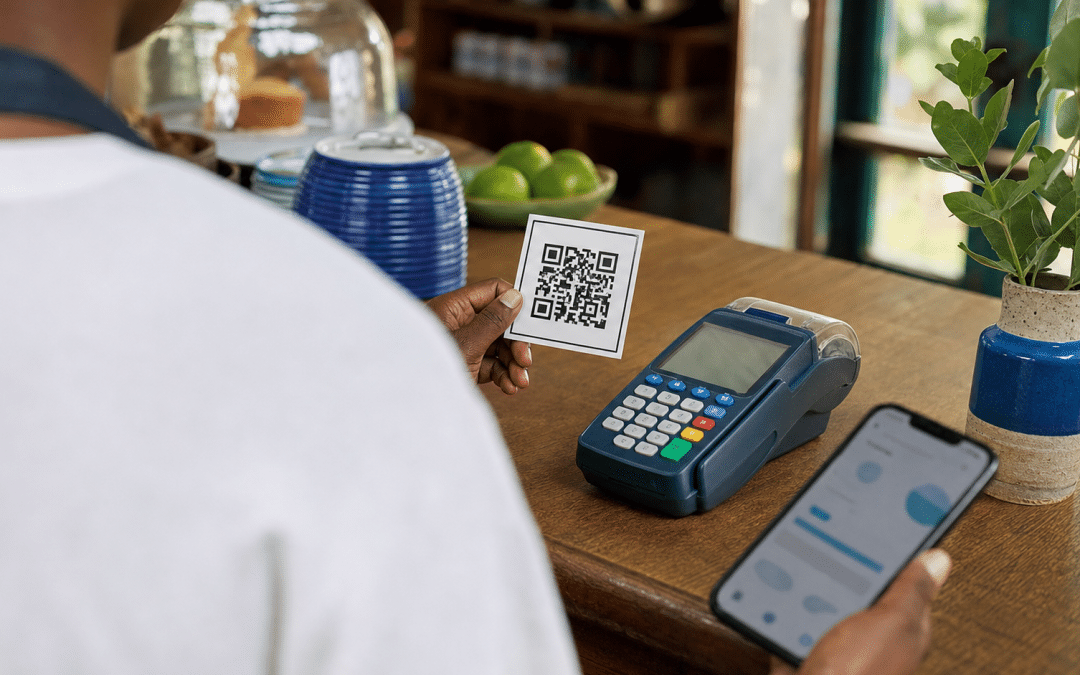
A Google review link QR code is a scannable image, generated from your Business Profile, that takes a customer straight to the place where they can review your business on Google. It is a small part of SEO in South Africa that an owner can finish in one sitting, and the main risk is placing it in a way that breaks Google's review rules.
This guide covers where the link and code live in your profile, a placement table by business type, the three Google policy lines that matter, and how to send the link on WhatsApp, SMS or email in South Africa without stepping on POPIA. If you have not claimed and verified your listing yet, start with the Google Business Profile setup guide first.
Quick Answer
Sign in on a computer, open your Business Profile, choose "Read reviews", then "Get more reviews", and copy the link or download the QR code. Google says review QR codes can only be generated on a computer browser. Print the code on receipts and counter cards, send the link in post-purchase messages, and never offer a discount or reward for a review.
Not sure your profile is ready for reviews?
Send us your Business Profile link and we will tell you what to fix before you start asking customers.
What a Google Review Link QR Code Actually Does
A Google review link QR code is the same web address as the review link, encoded as a square image that a phone camera reads, so the customer skips searching for your business and finding the review button. It exists for one reason: every step between a happy customer and a posted review loses people.
Google's own help page lists the intended uses: receipts, thank-you emails, the end of chat interactions, or a printed code displayed in store. A QR code for Google reviews and the plain link are two forms of one thing. Use the code where a person is standing in front of it, and the link where the customer is already on a screen.
Two limits are worth knowing before you print anything. The reviewer needs a Google Account, which Google says can be created with a non-Gmail email address.
A scan needs a phone with a camera and a connection, and not every customer is online. DataReportal's Digital 2026 report counts 51.7 million internet users in South Africa in October 2025, which is 79.6% of the population, so about 20.4% of South Africans were not internet users. Print the short link next to the code as well, so the code is not the only way to reach your review page.
How to Get the Link and Download the Code
You generate both from the signed-in Business Profile, and Google's help page says the QR code can only be created in a computer browser, not on a phone. The steps below follow that page as fetched in October 2026; Google moves menu labels, so check the current wording if yours differs.
- On a computer, sign in to the Google account that manages your Business Profile.
- Open your Business Profile and select Read reviews.
- Select Get more reviews (the share icon).
- To copy the link, select the copy icon. To save the QR code, right-click the image and choose Save image as.
- Test both before printing: scan the code with two different phones, and open the link while signed out of your own account, so you see what a customer sees.
The same panel offers sharing by email, WhatsApp and Facebook. Keep the downloaded image file in a shared folder, because the next person who designs a menu or a receipt template will need it.
As a practice suggestion rather than a Google instruction: save the link in one place the whole team can reach, and if the profile ever changes hands, regenerate and retest the link and code instead of assuming the old printed ones still work.
Where to Place the Code, by Type of Business
The right placement is the moment the customer feels the service worked, in a form they can act on in under a minute. The table pairs each common South African business type with a touchpoint and the one thing to watch.
| Business type | Best touchpoint | Format | Watch-out | Best for |
|---|---|---|---|---|
| Restaurant or cafe | Bill folder or printed receipt | Printed code plus short link | Do not ask table by table only after good meals | Walk-in diners with phones out |
| Salon or barber | Mirror card at the till as the client pays | Printed code | No "review for a discount" offers | Repeat local clients |
| Plumber, electrician, tradesperson | Invoice PDF, plus a message to clients who gave you their number for the job | Link | Send to every client, not only the happy ones, and read the messaging section below first | Service work with no shopfront |
| Retail store | Packaging insert and counter card | Printed code | Staff must not pressure customers on the premises | Shops with steady footfall |
| Online store (for example on Shopify) | Delivery-confirmation or post-delivery email | Link | The code leads to your business profile, not to a product page | Stores that already have a Business Profile |
| Regulated professions (medical, legal) | Check first | Depends on your body's rules | Your professional body may restrict soliciting testimonials | Practices that have confirmed the rules |
The online-store row only applies if the business already has a Business Profile, because the link and code are generated from the profile.
For the regulated professions row, this guide does not tell you what your professional body allows. Confirm that before putting a code at reception.
Not sure where the code fits in your type of business?
Tell us your category and how customers pay, and we will assess which touchpoints suit you.
The Three Google Rules That Decide How You Ask
Google's review policy allows you to ask for reviews, and it prohibits three ways of asking: paying for them, filtering who you ask, and pressuring people on your premises. These come from Google's Maps fake engagement policy and its Business Profile help pages, fetched in October 2026.
1. No incentives
Google states that offering incentives "like free or discounted goods or services, in exchange for customers to post reviews, change reviews, or remove negative reviews is considered fake & misleading content and is strictly prohibited." A "tell us you left a review and get a free coffee" counter sign breaks this.
2. No gating
The policy bars businesses from trying to "discourage or prohibit negative reviews, or selectively solicit positive reviews from customers." Practically, that means the same request goes to every customer. A workflow that asks "how did we do?" privately first and sends only the happy answers to Google is selective solicitation.
3. No pressure on the premises
Merchants should not "require or pressure users to leave ratings or write reviews while on the premises, nor should they request that specific content be included." A polite card with a code is an invitation. A staff member holding a tablet out until you post is, on a plain reading, pressure. That is our reading of the policy; Google does not define the line more precisely on the page we fetched.
Breaks the rules: "Show us your 5-star review at the till and get a discount on your next visit."
Stays inside them: "Thanks for coming in. If you have a minute, an honest review helps other people find us. Scan the code or use the link on your receipt."
Google's policy also prohibits content posted from multiple accounts by, or at the request of, one person, and it bars soliciting content that "does not represent a genuine experience". That rule is about one person using several accounts. Whether staff or relatives may post from their own accounts is a separate question that Google's page does not settle for us, so this guide advises against it: those reviews would not describe a customer's experience.
Quick Answer: staying inside Google's review rules
Ask every customer the same way, offer nothing in exchange, and do not push anyone to review while they are in your shop. Google calls incentivised reviews fake and misleading content and strictly prohibits them. Selectively soliciting only positive reviews is also prohibited.
Sending the Link by WhatsApp, SMS or Email in South Africa
Sending the link electronically is different from printing it, because a message is addressed to a named person and POPIA's direct marketing rules apply to some electronic messages. A printed code asks nobody by message: the customer chooses to scan it, so this section applies to the messages you send.
Under section 69 of POPIA, direct marketing by electronic communication is prohibited unless the person has consented or is a customer under section 69(3). That exception has three conditions: the contact details were obtained in the context of the sale of a product or service, the marketing is for your own similar products or services, and the person had a reasonable opportunity to object, free of charge, when the details were collected and in every message. Having just bought from you satisfies only the first.
Every such message must also identify the sender and give an address or contact details for requests that communications cease (section 69(4)). The Information Regulator's Guidance Note on Direct Marketing (December 2024), as summarised by DLA Piper, repeats this consent-first position. We could not read the note's full text, and the summary we read does not say whether a plain review request counts as direct marketing. Do not treat that silence as permission, and do not treat it as a ban.
A working approach, not legal advice:
- Message only customers whose details you collected in the sale, and offer the opt-out at that point as well as in the message.
- Name your business in the message and give a clear way to say "stop".
- Keep promotions out of the message. A review request that also advertises a sale is plainly marketing.
- Send the same message to every customer, which also satisfies Google's no-gating line.
WhatsApp's own business messaging rules are a separate layer that this guide has not researched; start with the WhatsApp marketing guide for South Africa. If you send at volume, ask a POPIA adviser to review your wording once.
A message you can adapt
"Hi Thandi, thanks for choosing Karoo Plumbing today. If you have a minute, you can leave an honest review of the job here: [link]. Reply STOP and we will not message you again."
Quick Answer: sending the link by message
A printed code asks nobody by message, but a WhatsApp, SMS or email request is an electronic communication to a named person. POPIA section 69 requires consent or the three-part existing-customer exception, plus the sender's identity and an opt-out in every message. Whether a plain review request counts as direct marketing is not settled in the sources we read.
What to Do Once the Reviews Start Arriving
Replying to a Google review requires a verified business, and Google checks every reply before it appears. Google's help page says replies usually take up to 10 minutes to review but can sometimes take up to 30 days, so a reply that looks missing may simply be waiting.
We cover how reviews relate to AI answers in Google reviews in AI answers. For how reviews sit alongside the other local signals, see how local SEO works in South Africa and the wider local SEO guide.
Three habits, offered as practice rather than Google rules: put the code on every receipt rather than only after good days, reply to negative reviews factually and briefly, and re-test the printed code whenever you reprint packaging or menus.
Why South African Businesses Choose Growth Pulse Media
Growth Pulse Media is a Johannesburg agency founded by Dirk van Greuning, who built and scaled a large South African ecommerce business before starting it. All work is executed in-house.
We keep a limited client load for senior attention. Our SEO service for South African businesses is built around pipeline value rather than impressions, and that is the lens for review work too: real customers, asked the same way, rather than a target star count.
Want an honest read on your local visibility?
Send us your Business Profile and a competitor you want to beat, and we will show you where to look first.
Who This Is NOT For
This guide is not for businesses without a Business Profile, anyone planning to buy or swap reviews, or owners who want only five-star reviews.
Businesses without a Business Profile. The code comes from a profile. Claim and verify the listing before you design any print material.
Anyone planning to buy or swap reviews. Incentives and requests from multiple accounts by one person are prohibited by Google. This guide will not help you do either.
Owners who want only five-star reviews. Asking every customer means some reviews will be critical. Selectively soliciting positive ones is also prohibited.
Frequently Asked Questions
These five answers cover how to get the code, where it can be created, the two rules owners ask about most, and how POPIA applies to sending the link.
How do I get a Google review link QR code for my business?
Sign in on a computer, open your Business Profile, select Read reviews, then Get more reviews. Copy the link with the copy icon, or right-click the QR code and choose Save image as.
Can I create a Google review QR code on my phone?
According to Google's help page, reviews QR codes can only be generated on a computer browser, not on mobile devices. Plan to create the code on a computer and keep the saved image file for printing.
Can I offer a discount for a Google review?
No. Google says offering incentives such as free or discounted goods or services in exchange for reviews is fake and misleading content and is strictly prohibited. Thank customers instead, and reply to what they write.
Can I ask only happy customers for a review?
No. Google's policy prohibits selectively soliciting positive reviews from customers. Send the same request to every customer who bought from you.
Is sending a review link on WhatsApp allowed under POPIA?
It depends on the message. POPIA section 69 requires consent for electronic direct marketing unless the person is a customer who meets the three section 69(3) conditions, and every message must name the sender and give an opt-out. Whether a plain review request counts as direct marketing is not settled in the sources we read, so ask a POPIA adviser if you send at volume.
Ready to turn customers into Google reviews the safe way?
Tell us about your business, your Business Profile and how you contact customers today. No obligation, and we will get back to you within 24 hours.
Related Reading
Sources: Google's guide to creating a review link or QR code, Google Maps fake engagement policy and DataReportal Digital 2026 South Africa, plus the POPIA section 69 and DLA Piper links in the messaging section.
